Pay Bills in
Nigeria
from Overseas
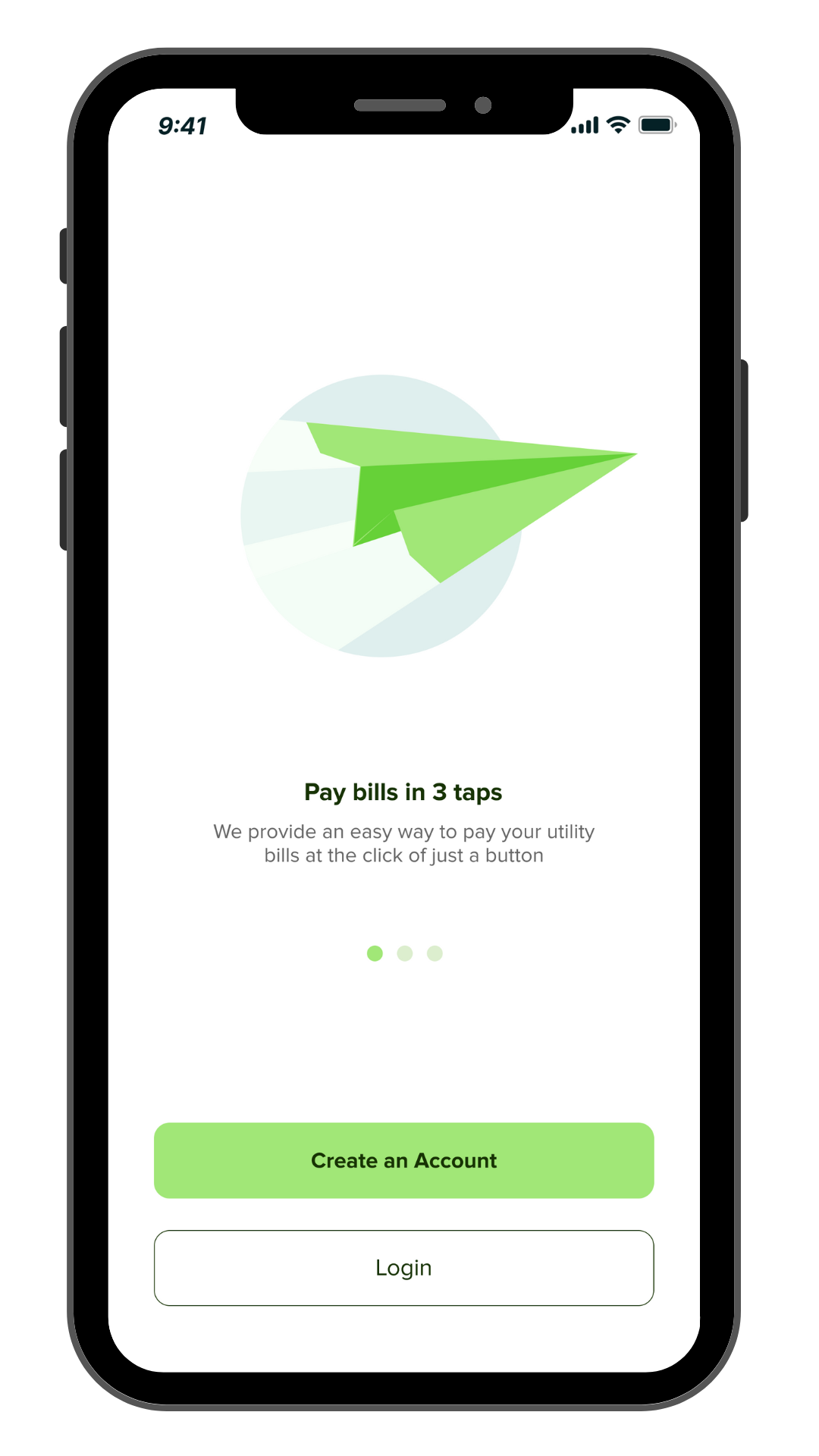
Billanted is the all-in-one bill payment app for bills and nothing else but bills.
For Nigerians, the diaspora and lovers of Nigeria.
Available on

Available on
Pay
Bills on Billanted
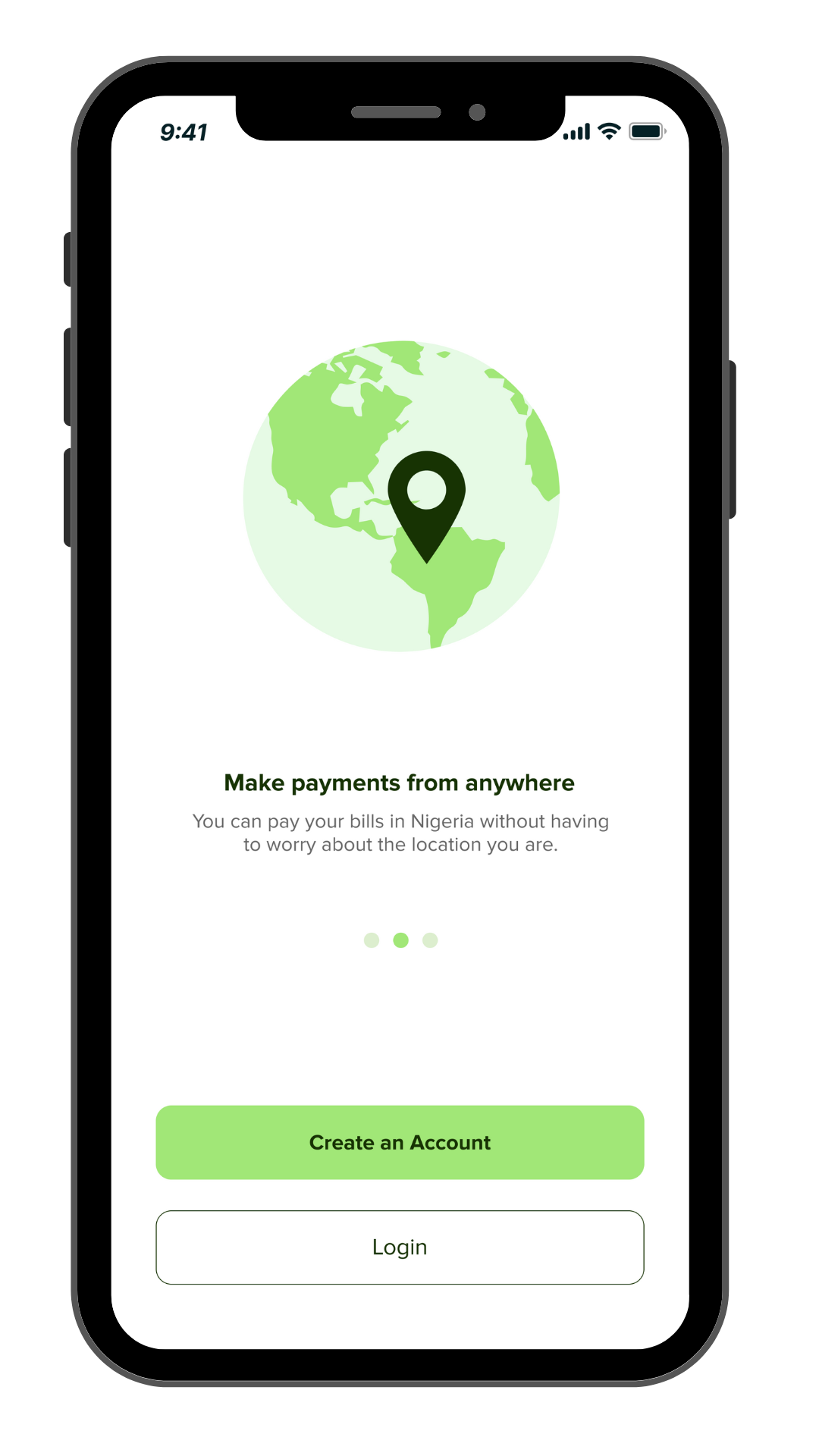
Pay with whatever currency you have.
You no longer need Naira before you pay bills in Nigeria from overseas.
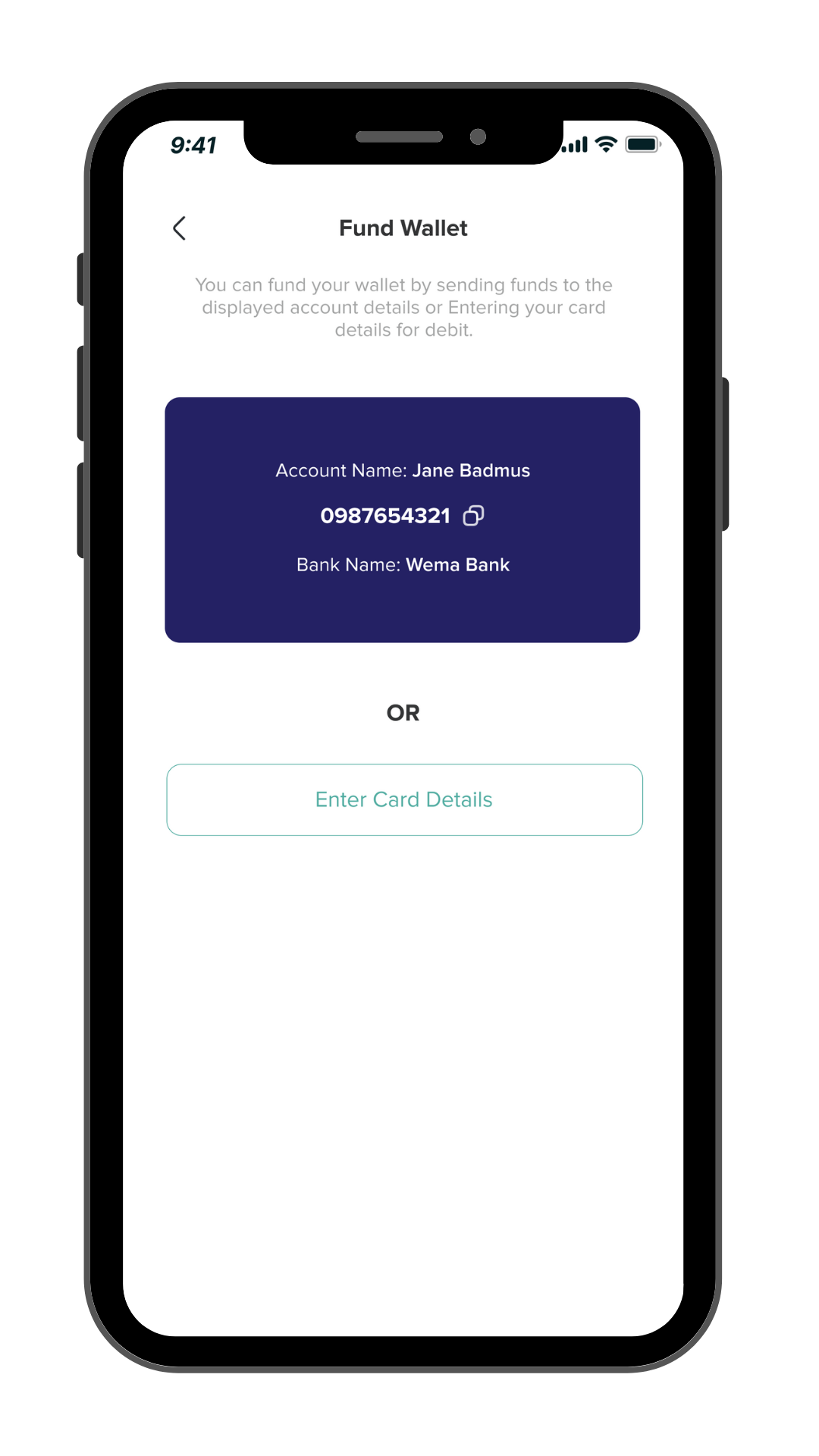
Load your wallet
Paying bills with your Billanted wallet saves you the stress of paying with cards or other payment methods. Load your wallet and pay bills at any time like you would shoot a bullet.
Receive cashbacks
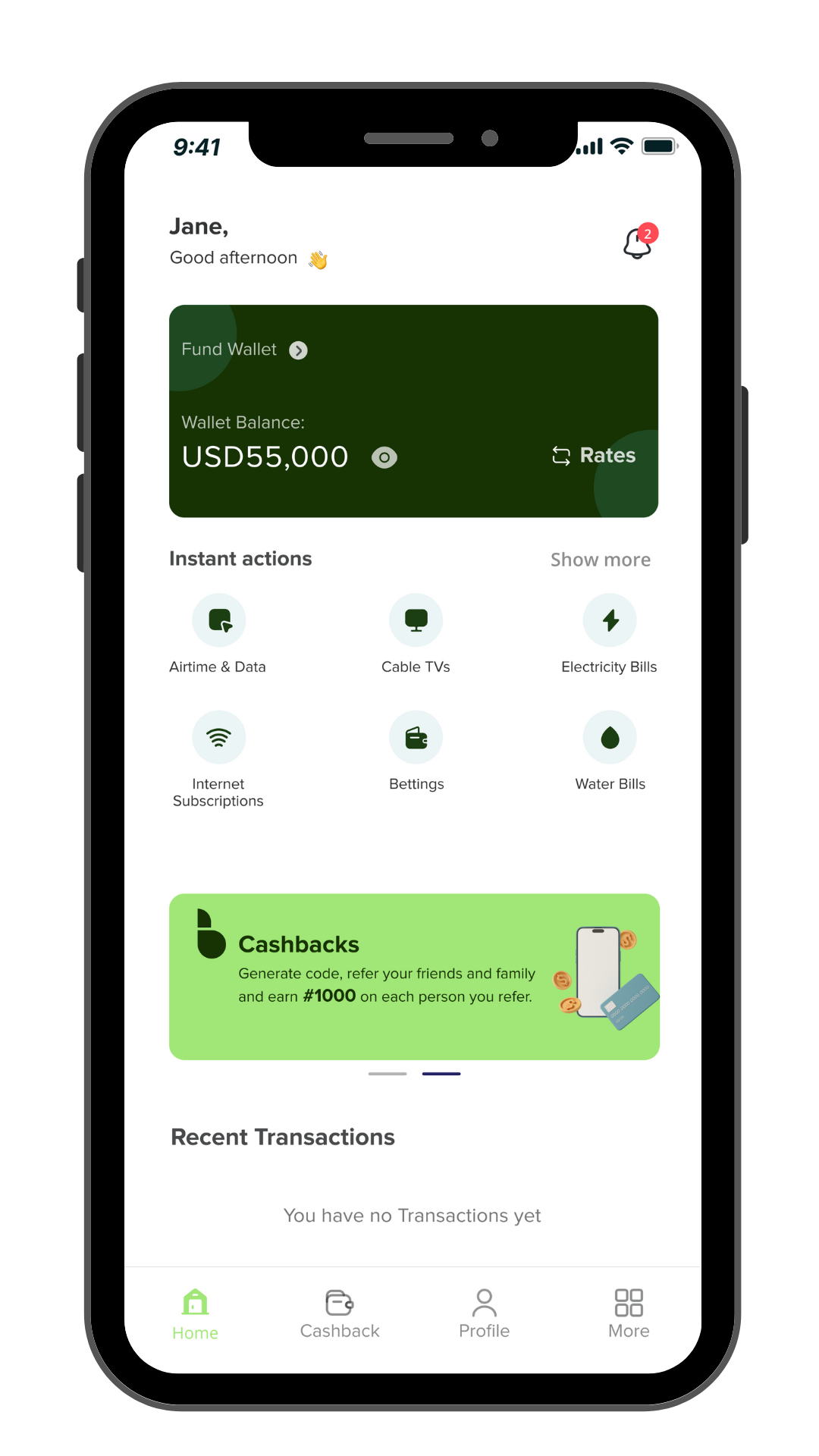
Pay less bills as you receive cashbacks for the bills you pay on Billanted. Cashbacks are extra cash for you to enjoy on the app. They are the discounts we don’t keep but give back to you.
Automatic currency conversion
Know the equivalent of how much you’re paying for bills. Currency conversion is highly transparent. Pay with foreign currencies and get the best deals and rates.
Refer and Receive Rewards
Billanted rewards are real. You receive referral bonuses for every one who pays bills on the app because of your efforts and loyalty. It’s our show of appreciation.
Purchase
Airtime and
Data
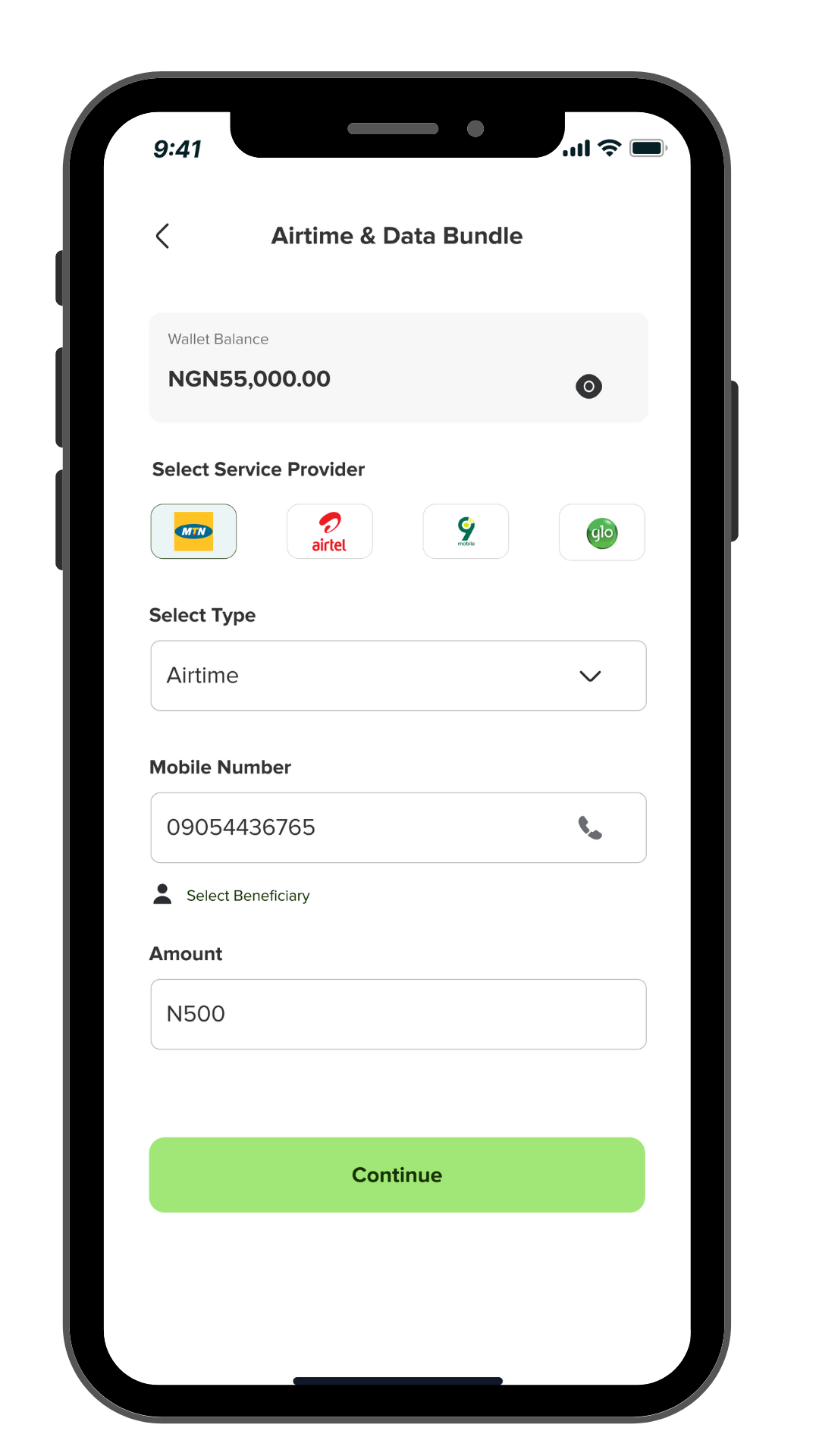
It’s a smooth purchase on Billanted.
Receive fast airtime and data.
Choose the network provider, enter the phone number, input the amount.
Pay and receive! No stories.
Electricity
Bills
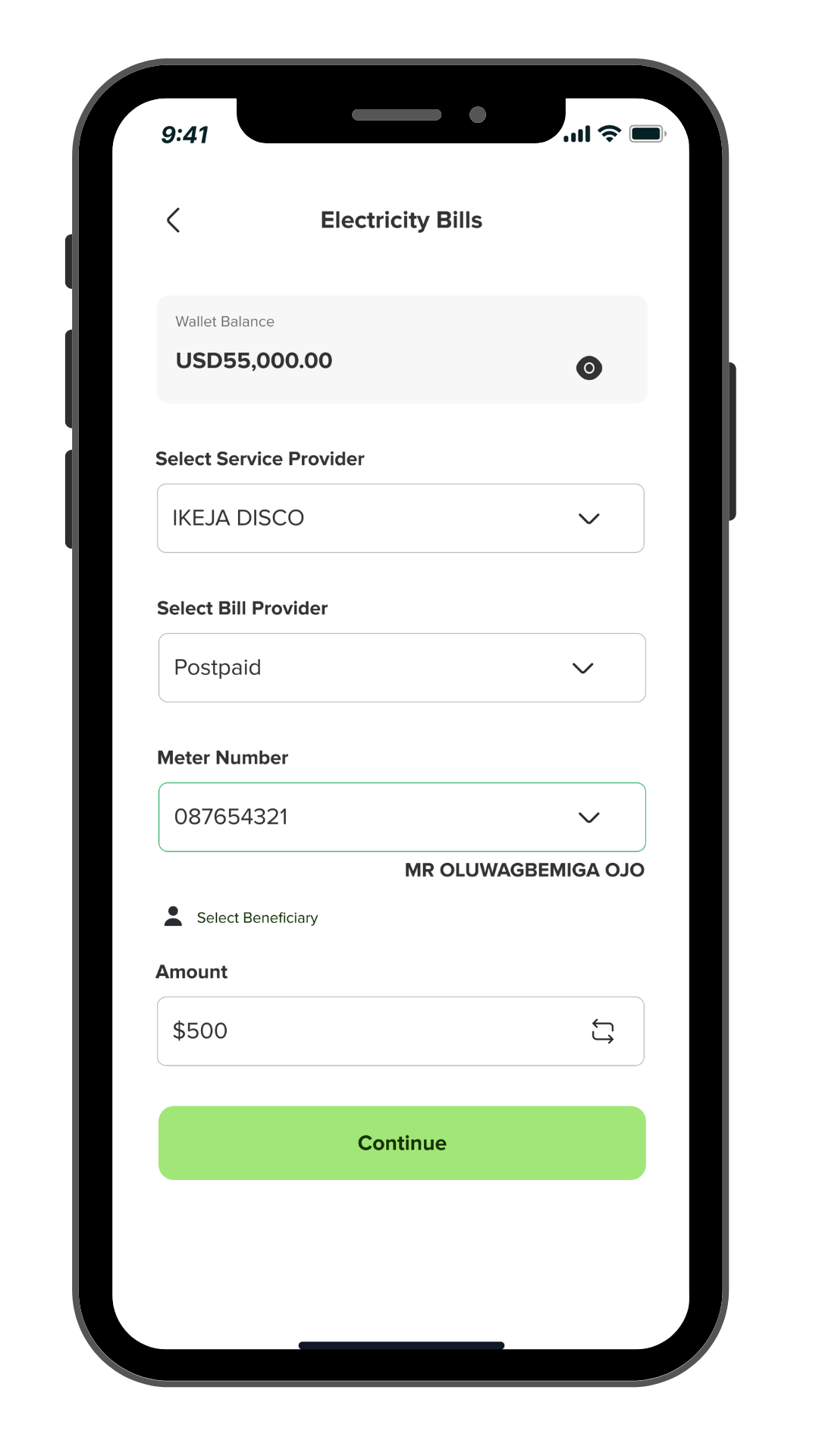
Billanted is simple and convenient.
To pay electricity bills, just enter the meter number you’re paying for.
Input amount to purchase and pay electricity bills.
Purchase
Airtime and
Data
It’s a smooth purchase on Billanted.
Receive fast airtime and data.
Choose the network provider, enter the phone number, input the amount.
Pay and receive! No stories.
Cable / Tv
Subscription
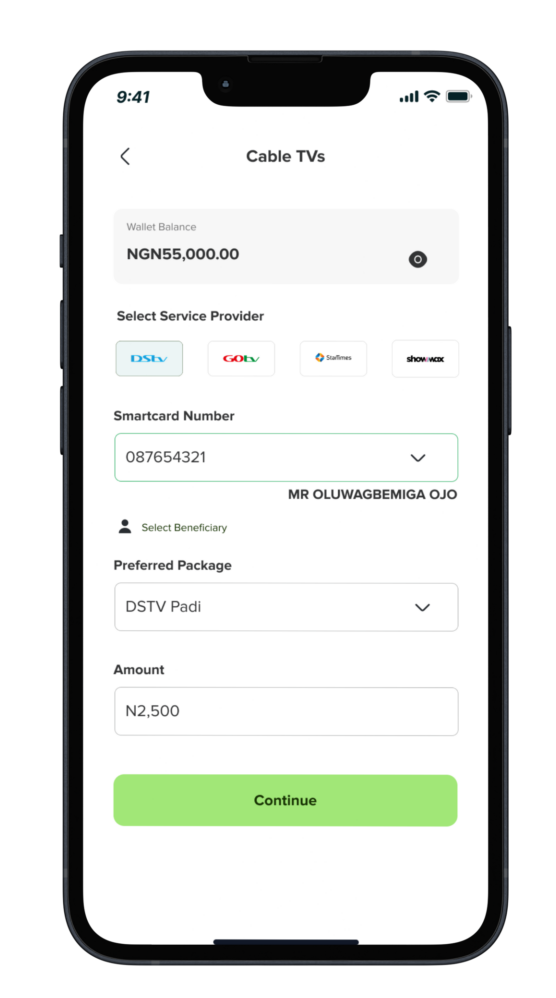
Instant subscription on Billanted. No delays.
DSTV or GoTV. Pay for subscription for any cable TV.
Enter your smartcard number, select your plan.
Subscribe and relax.
Schedule
Bill Payment
Schedule and set up automatic payments to never miss a due date. Organize and manage all your bills in one place.
Plan the outflows of bills; don’t worry about them when you forget.
How it works
Lorem ipsum dolor sit amet, consectetur adipiscing elit. Dui id lobortis pretium blandit.
Install *Vault
Lorem ipsum dolor sit amet, consectetur adipiscing elit. Platea ornare blandit est, pellentesque orci.
01.
Create your account
Lorem ipsum dolor sit amet, consectetur adipiscing elit. Platea ornare blandit est, pellentesque orci.
02.
Enjoy the features
Lorem ipsum dolor sit amet, consectetur adipiscing elit. Platea ornare blandit est, pellentesque orci.
03.
Frequently Asked Questions
Welcome to Billanted. We’re excited that you’re here and interested in knowing more about us. Billanted is a comprehensive bill payment platform designed to simplify and streamline your bill management and payment processes in Nigeria from anywhere you are in the world. We offer a user-friendly interface to pay bills, schedule payments, and request bills effortlessly.
How do I create an account on Billanted?
To start using Billanted, visit your Google and App stores and search for billanted then download the mobile app. Follow the simple registration process, providing necessary details like email, phone number, and creating a secure password.
Is there a fee for creating an account on Billanted?
No, creating an account on Billanted is free of charge.
Why is KYC verification necessary on Billanted?
KYC (Know Your Customer) verification is a regulatory measure to ensure the security of your account and transactions, adding an extra layer of protection against fraud.
What documents are required for KYC verification on Billanted?
You may need to provide a government-issued ID, proof of address, and other relevant documents as part of the KYC process.
For Nigerian users: Please select either the NIN or BVN option to complete your identity verification. Ensure that the name you enter matches exactly with the name on your selected ID.
If you encounter a name mismatch error, kindly email help@app.billanted.com with the correct name sequence for assistance.
How can I contact Billanted’s customer support?
For assistance, you can contact our customer support team by emailing help@app.billanted.com , using our live chat channel, or reaching out to us on our website or on any of our social media platforms using the in-app chat feature available 24/7.
What payment methods are accepted on Billanted for bill payments?
Billanted accepts various payment methods, including credit/debit cards and wallet funding for payments
Can I schedule recurring bill payments on Billanted?
Yes, you can conveniently schedule recurring bill payments to ensure timely and hassle-free transactions.
Which currencies are supported on Billanted for transactions?
Billanted currently supports transactions in the following currencies: NGN (Nigerian Naira), USD (United States Dollar), CAD (Canadian Dollar), and GBP (British Pound Sterling).
How do I schedule a bill payment on Billanted?
Log in to your Billanted account, navigate to the Scheduled payment option under the ‘More option’ select the bill and follow the prompts to set the date and payment details.
Can I edit or cancel a scheduled bill payment?
Yes, you can make changes or cancel a scheduled payment before the specified date from your scheduled payments list.
How do I request a bill on Billanted?
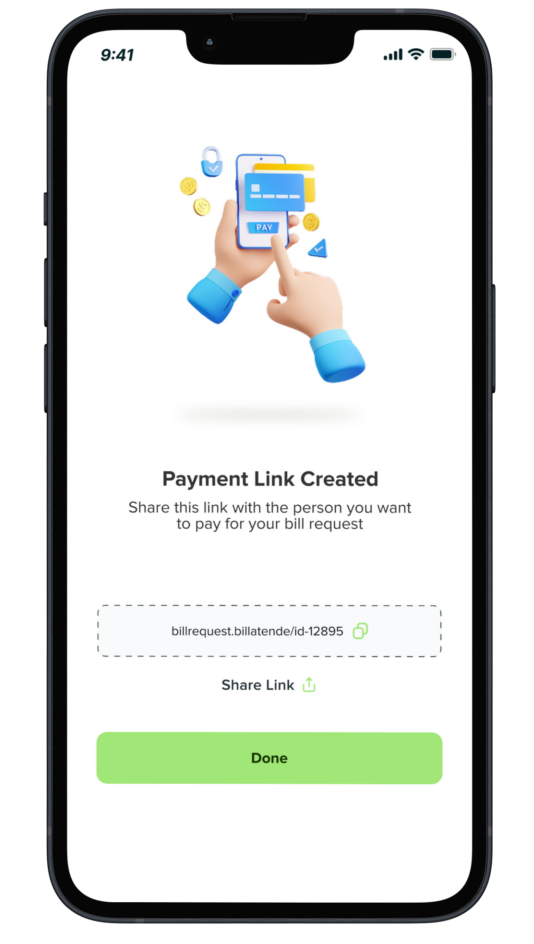
Use the “Request Bill” feature within your account, enter the necessary details, and the bill link will be generated for you to share to the recipient and to their email.
Is there a fee for requesting a bill on Billanted?
No, requesting a bill on Billanted is a complimentary service for you.